
Running an online store on Wix, Shopify, WooCommerce, or Etsy means managing more than product listings and customer orders. As sales grow, you also need a reliable process for sourcing products, tracking inventory, packing orders, and shipping parcels to customers.
The challenge is that every ecommerce platform works a little differently. Your fulfillment workflow should fit the way your store operates instead of forcing you to manage orders through disconnected systems.
In this guide, we'll explain how to build an efficient fulfillment workflow for Wix, Shopify, WooCommerce, and Etsy stores, what to consider when choosing a fulfillment partner, and how to prepare your operations for business growth.
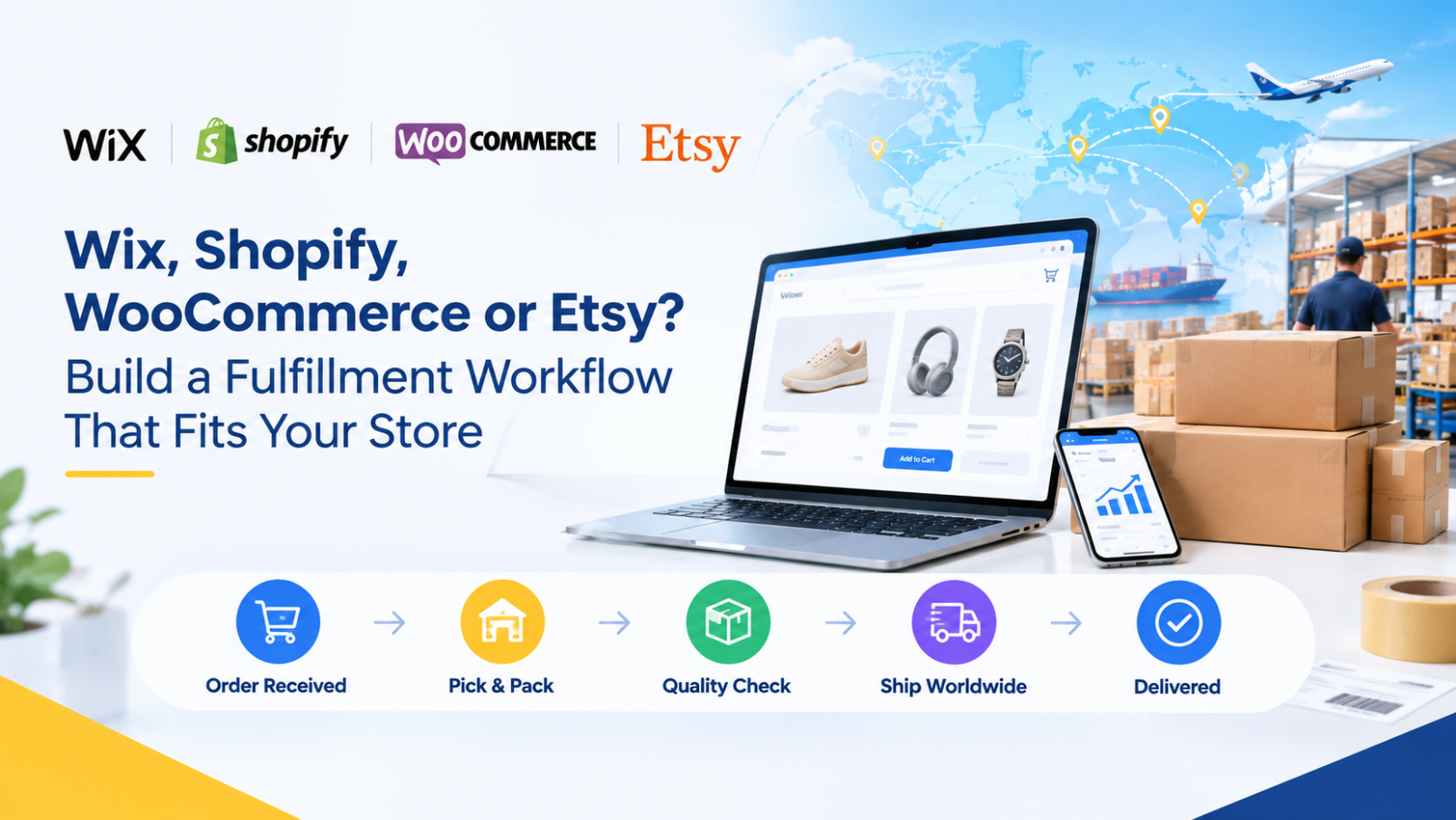
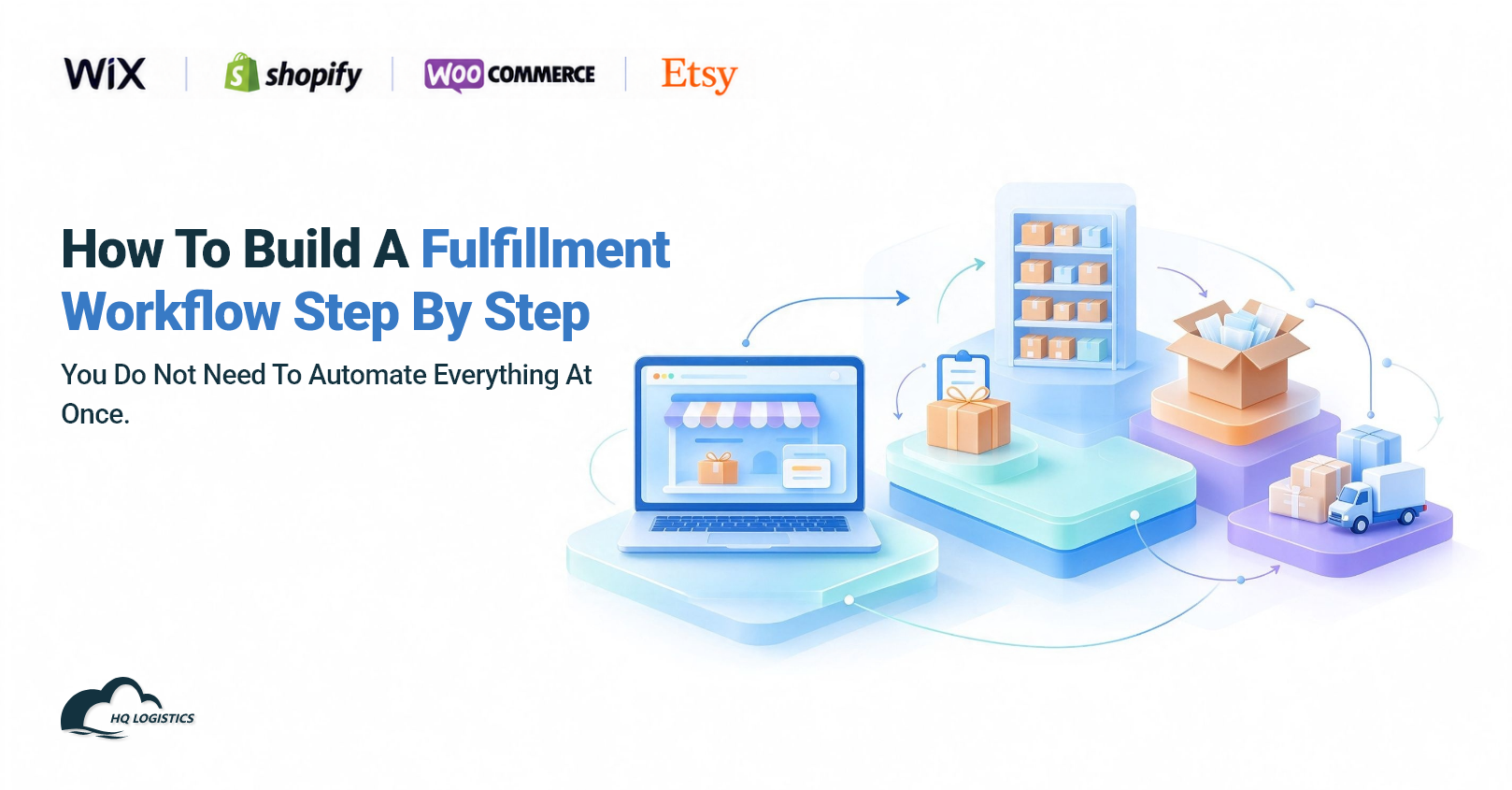
An ecommerce fulfillment workflow covers every step between receiving an order and delivering it to the customer.
A typical workflow looks like this:
Customer places an order → Order information is synchronized → Inventory is checked → Products are picked and inspected → Orders are packed → Parcels are shipped → Tracking information is updated
Each step needs to work smoothly with the others. If inventory records are inaccurate, you may sell products that are unavailable. If order information is transferred manually, your team may spend hours copying data or correcting mistakes. If tracking information is not updated promptly, customers may contact your support team for delivery updates.
A well-organized fulfillment workflow helps reduce manual work, improve order visibility, and make it easier to handle increasing order volumes.
For many growing ecommerce brands, the goal is not simply to ship orders faster. It is to build a repeatable process that connects the online store with sourcing, inventory, warehouse operations, and international shipping.
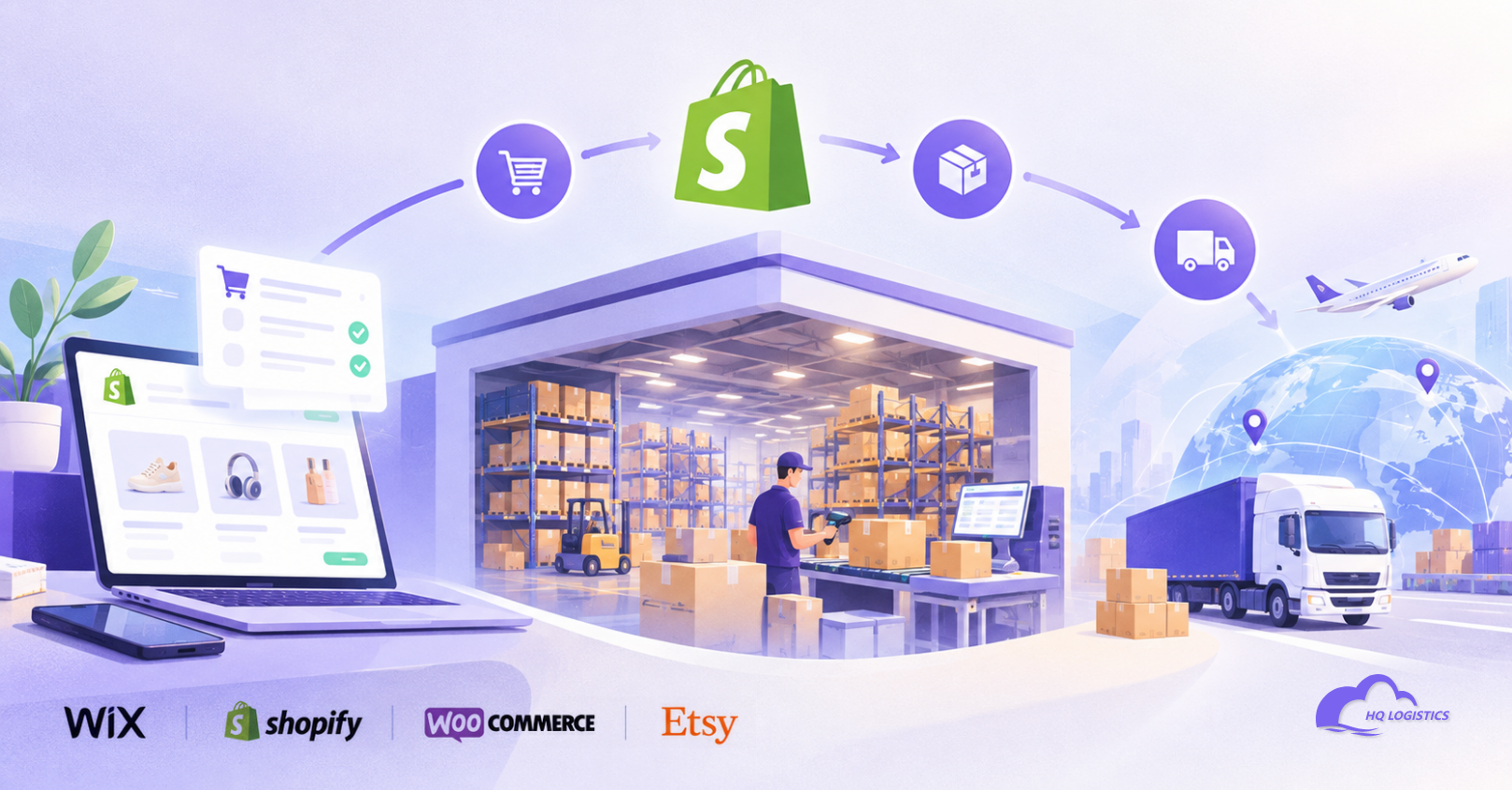
Shopify provides an ecommerce platform where merchants can manage products, orders, and customer information. Your fulfillment process should connect these store operations with the people or systems responsible for preparing and shipping orders.
Order synchronization
New orders should reach the appropriate fulfillment system with the correct products, quantities, shipping addresses, and service requirements. Automated synchronization can reduce manual data entry when the store and fulfillment provider support the necessary integration.
Inventory visibility
Inventory information should be updated consistently across your store and fulfillment operations. This is especially important when you sell multiple product variants or replenish inventory from different suppliers.
Tracking updates
Once an order ships, tracking information should be recorded and made available through the appropriate workflow. Where supported, automatic updates can reduce repetitive tasks and help customers follow their parcels.
Scalable order processing
As order volume grows, manual order handling becomes more difficult. A workflow that works for a few daily orders may not be suitable when you are processing hundreds of orders across multiple products and destinations.
A fulfillment partner may be useful when you want to reduce warehouse workload, source products from China, coordinate quality checks, or manage international shipping without building your own logistics operation.
For example, a Shopify brand selling desk accessories may begin by purchasing small quantities from suppliers and packing orders independently. As sales increase, the business may benefit from centralized inventory, standardized packing procedures, and coordinated shipping services.
The right setup depends on your order volume, product range, inventory model, and preferred level of operational control.
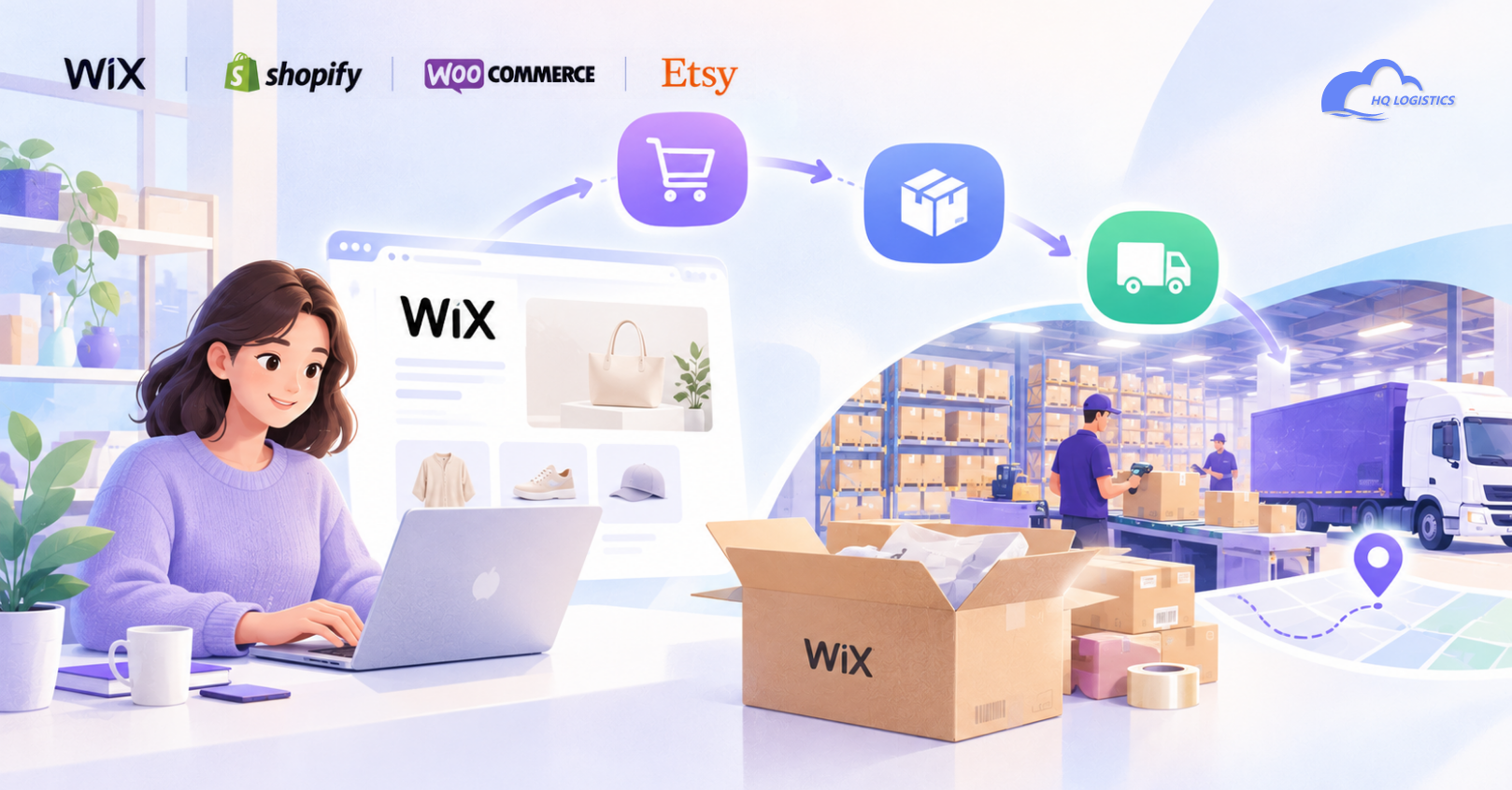
Wix allows businesses to build and operate online stores, but the fulfillment workflow still needs to cover order processing, inventory handling, and delivery.
For Wix merchants, the main challenge is often deciding how orders will move from the storefront to the people or systems that fulfill them.
Start by documenting what happens after a customer places an order.
Where are new orders reviewed?
How is product availability confirmed?
Who sends the order to the supplier or warehouse?
How are packing and shipping instructions communicated?
How is tracking information returned to the store or customer?
If your fulfillment provider offers a compatible integration, some of these steps may be automated. Otherwise, a structured manual process or supported third-party connection may be necessary.
Before adopting an integration, confirm which order fields, inventory updates, and tracking events it supports. Do not assume that every fulfillment provider connects directly with every ecommerce platform.
Manual processing may be manageable when order volume is low. However, copying addresses, checking stock in separate spreadsheets, and updating tracking information individually can become time-consuming.
Wix sellers should review their workflow regularly and identify repetitive tasks that can be automated safely.
The objective is to create a reliable connection between the storefront and fulfillment operations while keeping the process easy to manage.
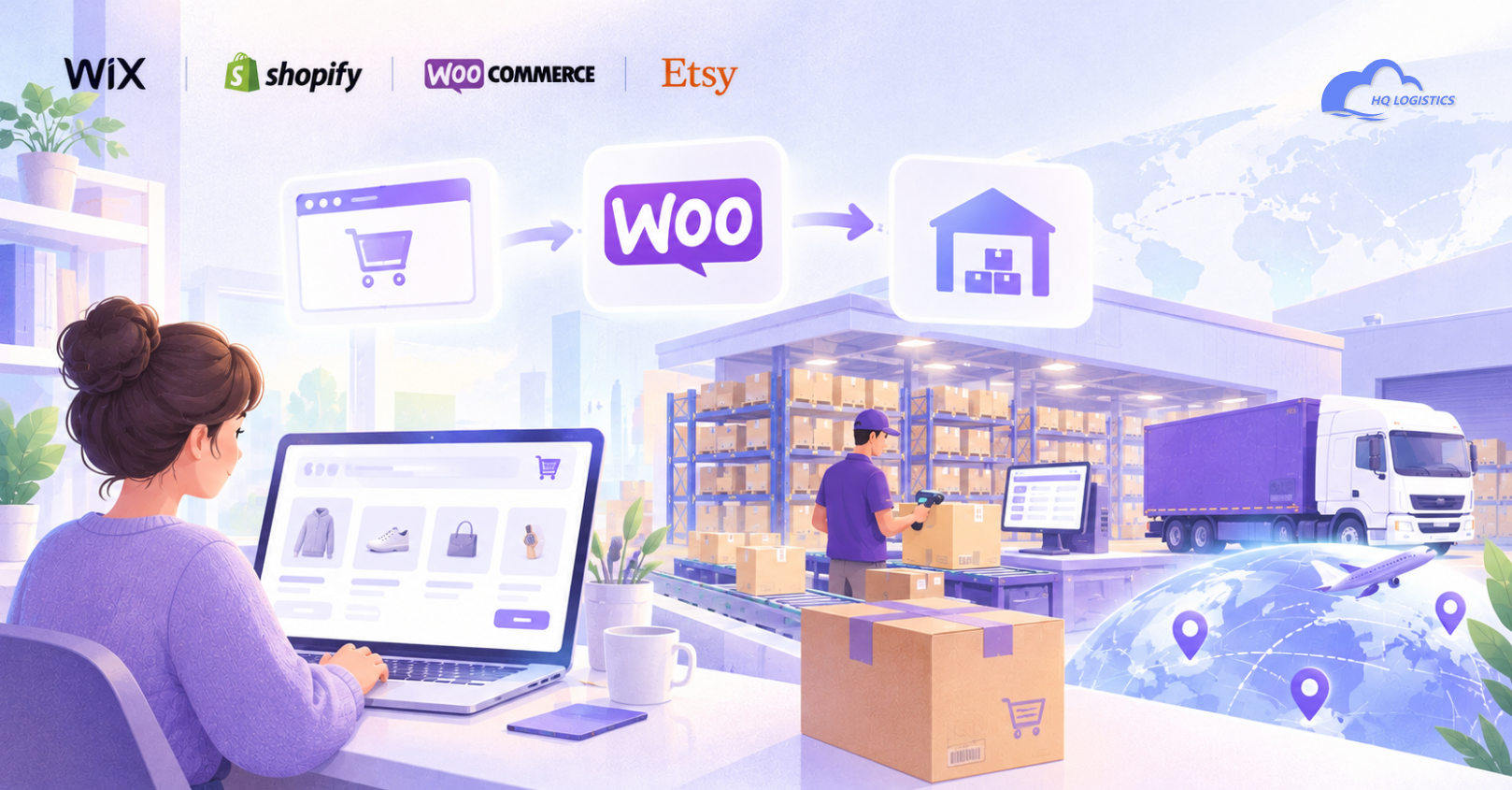
WooCommerce operates as an ecommerce solution built around WordPress. Its flexibility gives merchants control over many aspects of their store, but the fulfillment setup can vary depending on the plugins, hosting environment, and external services they use.
Before adding a fulfillment integration, map the tools already involved in your operation.
These may include:
WooCommerce for storefront and order management
Inventory or enterprise resource planning (ERP) software
Supplier management tools
Shipping or tracking services
A warehouse management or fulfillment provider
The more systems involved, the more important it becomes to define which system is responsible for each task.
For example, one system may manage available inventory, while another handles warehouse stock and shipping. If the systems do not exchange updates correctly, the store may display inaccurate stock levels.
When evaluating a WooCommerce fulfillment plugin or connection, check whether it supports the features you actually need.
Consider order import, product mapping, SKU matching, inventory synchronization, shipment confirmation, and tracking updates. Also review compatibility with your current WooCommerce version and other plugins.
Test the connection with a small number of orders before relying on it for your entire operation.
A flexible platform can support many workflows, but flexibility works best when your systems have clear responsibilities and consistent data.
Etsy sellers often focus on product presentation, customer communication, and a consistent shopping experience. Fulfillment needs to support these priorities while meeting Etsy's applicable policies.
Depending on your product model, your workflow may involve stocked inventory, made-to-order products, production partners, or permitted sourcing arrangements.
For ready-to-ship products, prioritize accurate inventory, picking, packing, and dispatch.
For made-to-order products, the workflow should include production time, order-specific requirements, and quality checks before shipment.
If you work with a production partner, make sure the arrangement complies with Etsy's current policies and that relevant production-partner information is disclosed where required. Not every reselling or dropshipping arrangement is permitted on Etsy.
Packaging can contribute to the overall customer experience, especially for handmade, personalized, or gift-oriented products.
Depending on your product and brand, you may want to coordinate:
Product protection and presentation
Gift messages or approved inserts
Correct SKU and order identification
Special handling instructions
Dispatch timelines and tracking communication
If a third party handles fulfillment, confirm that the partner can follow your packing specifications and any applicable platform requirements.
Incorrect stock levels or unrealistic processing times can create customer dissatisfaction and order management problems.
Set processing times based on actual product availability, production schedules, warehouse capacity, and shipping arrangements. Review these settings when supplier lead times or order volumes change.

Although these four platforms serve different types of businesses, the core fulfillment principles remain similar.
| Platform | Main workflow priority | What to review |
|---|---|---|
| Shopify | Connect store orders with fulfillment operations | Order sync, inventory, tracking, scalability |
| Wix | Establish a clear handoff from store to fulfillment | Order transfer, stock visibility, tracking updates |
| WooCommerce | Coordinate plugins and external systems | Compatibility, SKU mapping, data synchronization |
| Etsy | Match fulfillment to the product and selling model | Processing times, packaging, inventory, platform policies |
These are general workflow considerations, not fixed platform limitations. The best setup depends on your store configuration, available integrations, product model, and fulfillment provider.
If you operate multiple stores, try to standardize the underlying warehouse and shipping processes where practical. A shared SKU structure, consistent quality standards, and centralized inventory visibility can make it easier to manage orders across different storefronts.
You do not need to automate everything at once. Start with the most important operational steps and improve the workflow as your business grows.
Document how orders move from the storefront to delivery. Identify every manual task, system handoff, and point where errors commonly occur.
Use consistent product identifiers, variant details, and product descriptions across your store and fulfillment system.
Accurate SKU mapping helps prevent picking errors, incorrect shipments, and inventory mismatches.
Determine where inventory is stored, which system controls available stock, and how returns, damaged items, and replenishment are recorded.
If multiple stores use the same stock, make sure inventory updates account for orders across all relevant channels.
Check which integrations your platform and fulfillment provider support. Define how orders, inventory updates, shipment confirmations, and tracking information will move between systems.
If full automation is unavailable, use a documented process with clear responsibilities and regular reconciliation.
Create instructions for product inspection, packaging, labeling, and special order requirements.
The level of inspection should reflect the product category and applicable requirements. For example, regulated products may need documentation and testing beyond a routine visual check.
Run test orders to verify product mapping, addresses, shipping options, inventory adjustments, and tracking updates.
Resolve problems before expanding the workflow to more products or higher order volumes.
Track operational indicators such as order processing time, inventory accuracy, picking errors, dispatch performance, shipping costs, and delivery exceptions.
Use the results to identify bottlenecks and prioritize improvements.
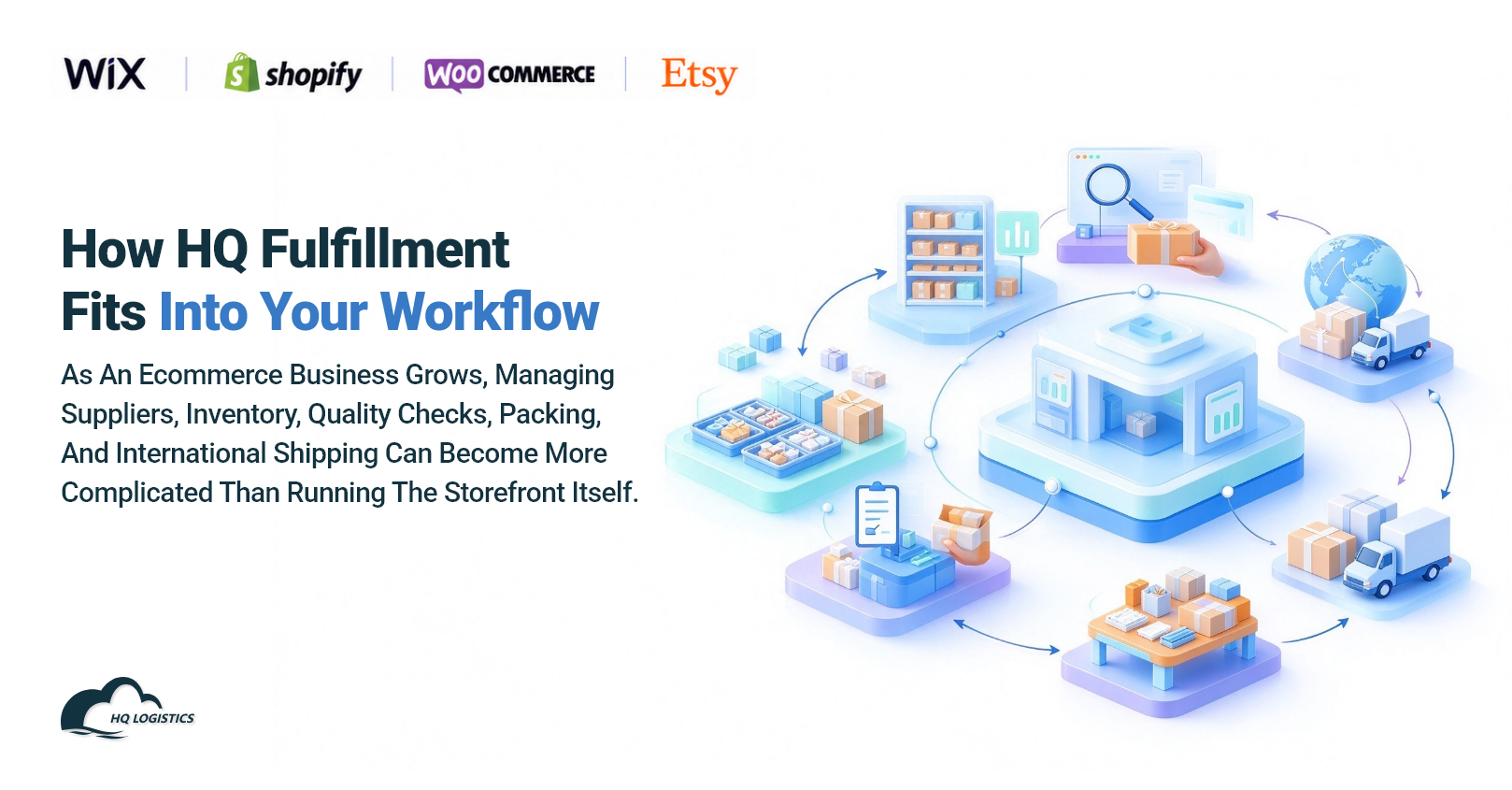
As an ecommerce business grows, managing suppliers, inventory, quality checks, packing, and international shipping can become more complicated than running the storefront itself.
HQ Fulfillment helps ecommerce brands coordinate sourcing, warehousing, order processing, packaging, and international shipping through a connected fulfillment operation.
Depending on your store setup and service requirements, HQ can support your workflow with:
Product sourcing and supplier coordination
Explore product options and coordinate purchasing with suppliers based on your product specifications and business needs.
Warehousing and inventory handling
Organize eligible inventory and coordinate warehouse operations to support order fulfillment.
Quality checks and packaging
Arrange inspections according to agreed requirements, coordinate packing instructions, and support approved branded packaging options.
Order fulfillment and shipping
Coordinate order processing, packing, dispatch, and suitable shipping options for your target markets.
Order and tracking coordination
Where supported by the selected integration or workflow, coordinate order information and shipment tracking to improve visibility across your operations.
HQ's Shopify app is available through the Shopify App Store. Before connecting a store, confirm the currently supported functions and setup requirements.
For Wix, WooCommerce, and Etsy stores, integration options and supported automation may differ. Confirm compatibility and the required order-transfer process with your fulfillment provider before implementation.
The goal is to create a workflow that fits your store today while leaving room for more products, more orders, and new markets in the future.
Visit HQ Fulfillment to learn more about sourcing, warehousing, and fulfillment services, or explore China fulfillment services for your cross-border ecommerce business.
No single platform is best for every business. Shopify, Wix, WooCommerce, and Etsy serve different business models. Choose a platform that fits your products and selling strategy, then confirm that your fulfillment tools can support its order, inventory, and tracking workflow.
Potentially, yes. Support depends on the fulfillment provider's integrations, available connectors, and order-transfer options. Confirm compatibility separately for each store and test the complete workflow before going live.
Not necessarily. A structured manual workflow may be sufficient for a small store. Automation becomes more valuable when repetitive tasks consume too much time, errors increase, or you manage multiple stores and larger order volumes.
Use consistent SKUs, define which system controls available stock, and establish a reliable process for recording orders, returns, and replenishment. If stores share inventory, ensure that updates are synchronized or regularly reconciled.
Consider a fulfillment partner when warehouse work takes time away from business growth, you want to coordinate sourcing and shipping through one provider, or your order volume and international delivery requirements become harder to manage independently.

Wix, Shopify, WooCommerce, and Etsy each have different workflows, but successful ecommerce fulfillment depends on the same fundamentals: accurate order information, reliable inventory, clear quality standards, efficient packing, and dependable shipping coordination.
Start by understanding how your store operates, then connect the steps that create the most friction. As order volume increases, a suitable fulfillment partner and a well-planned workflow can help you spend less time managing operational details and more time growing your business.
Build a fulfillment workflow that fits your store, supports your customers, and can grow with your ecommerce operation.
📩Email: zoye@fulfllment-cn.com
PREVIOUS RECOMMENDATIONS


Shopify fulfillment, Wix fulfillment, WooCommerce fulfillment, Etsy fulfillment, ecommerce fulfillment partner, ecommerce fulfillment workflow




Customer's favorable comments is our eternal motivation. We feel grateful for all the support and company.

Lorem ipsum dolor sit amet, consetetur sadipscing elitr, sed diam nonumy eirmod tempor invidunt ut labore et dolore magna aliquyam erat, sed diam voluptua.